How to choose a visual timer for kids or a classroom
Pick the timer by where it will sit and who needs to read it. A large disk timer suits a whole class, a small one suits a desk, sand timers suit short turns, and a free screen timer lets you test the routine before you buy anything.
Some links on this page earn Clockfresh a commission at no cost to you. It does not change what we recommend. How we handle affiliate links.
Start with the free version
Before buying anything, try the routine with a timer you already have. Open the visual timer, choose Disk, clear Show numbers if you want the shape alone, and select Mute finish sound if the room needs to stay quiet. For a whole class, press Fullscreen on the projector, or use the classroom timer for large digits.
If the routine works on screen, you know what to look for in a physical timer. If it does not, a new device is unlikely to fix it. The guide to using a visual timer with kids covers how to introduce one and what to do at zero.
A physical timer earns its place when:
- the screen is off, far from the child, or needed for something else;
- a child works at their own desk or table and needs a timer within reach;
- you want something a child can set and carry between rooms.
How to choose
Where it will sit and who reads it
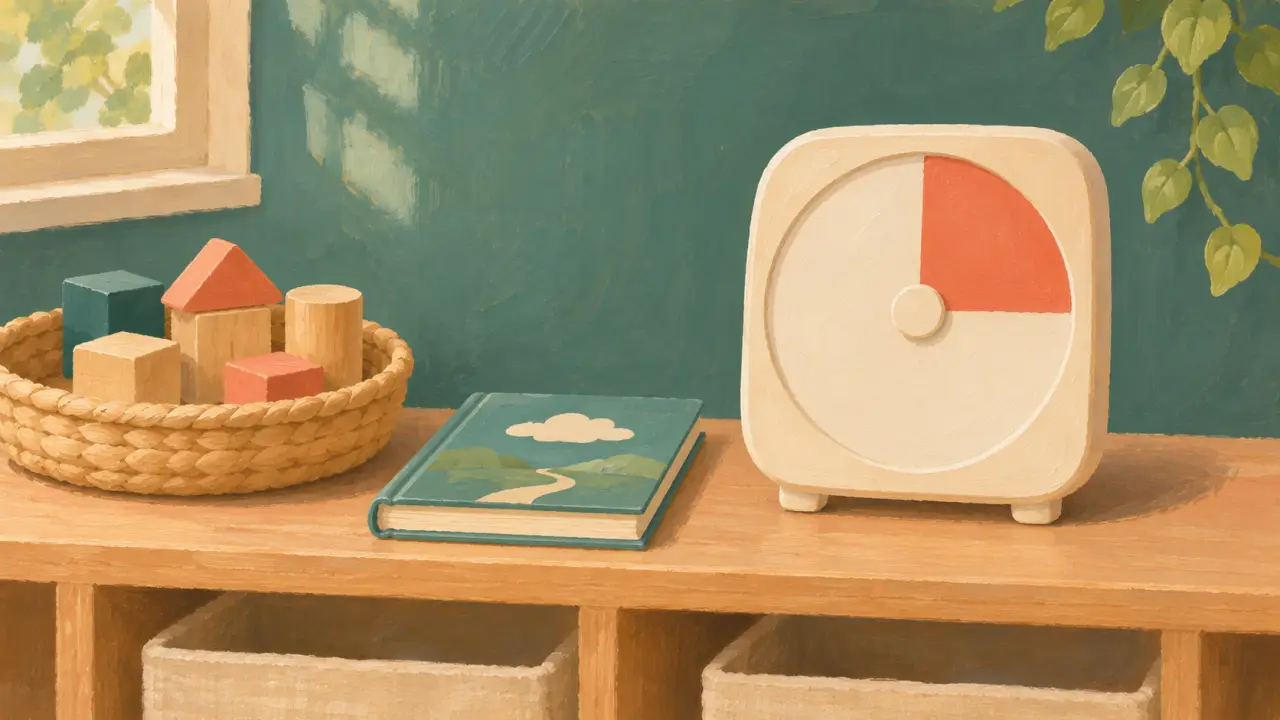
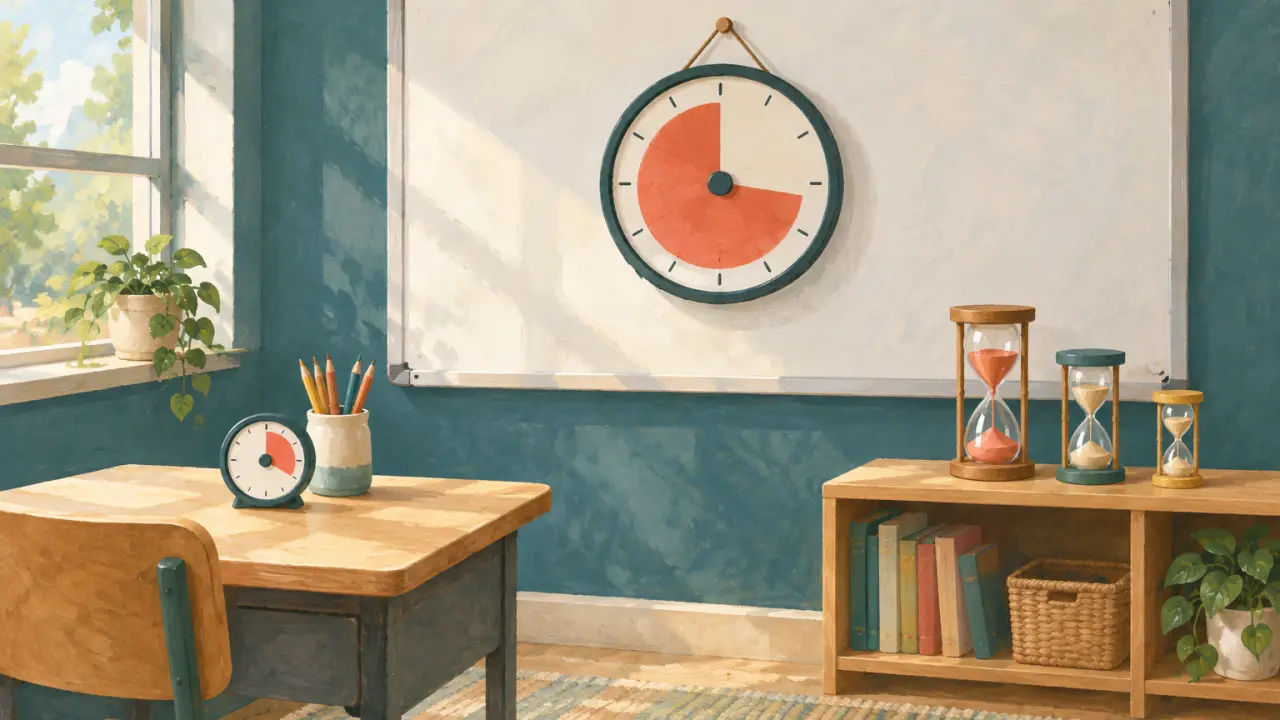
Look at the timer from the furthest seat that needs to read it. A small desk timer works for one child or a small group. For a whole class, a larger timer on the wall or whiteboard, or a fullscreen timer on the projector, is easier to read. Magnetic backs and fold-out legs give you both options with one timer.
Disk, sand or cube
| Type | How it shows time | Good for | Watch out for |
|---|---|---|---|
| Disk timer | A colored disk that shrinks as time passes | Transitions, work blocks, whole-class use | Most need batteries for the alert; some wind-up models tick |
| Sand timer | Sand running from top to bottom | Turns, short tasks, games, station rotations | Fixed durations; no alert, so someone has to watch it |
| Cube timer | Turn the cube so the chosen time faces up | Focus blocks, homework, older children | Shows numbers rather than a shrinking shape on most models |
A shrinking disk shows “how much is left” at a glance. Sand timers are simple and need no setting, but each one has a single duration, so you need a set for different lengths.
Length of the countdown
Many disk timers run up to 60 minutes. For short transitions, a timer with a smaller range gives you a bigger slice per minute, which is easier to read. Time Timer, for example, sells versions with faces from 10 to 120 minutes. Match the range to the longest block you plan to time, not the longest the timer can do.
Sound and ticking
Check two things in the listing: whether the timer ticks while it runs, and whether the end alert can be switched off. Wind-up models often tick. A timer that is silent while running and has an alert you can turn off fits quiet reading, tests and children who are sensitive to sound. The CU Denver guide also suggests keeping the timer where children can see it and explaining what will happen when it ends; that matters more than the alert itself.
Power and durability
Battery timers need spare batteries in the classroom; wind-up and sand timers need none. If young children will handle the timer, look for a sturdy case and a disk behind a cover rather than one they can turn by hand.
Three kinds to look at
These are chosen from manufacturers’ descriptions and retailer listings. Clockfresh has not tested them. The cards under this section open a search on Amazon, so you see current models, sizes and prices.
Disk timer from a classroom brand — spec-based
Time Timer is the brand behind the red-disk timer often seen in classrooms. Its Original 8” model has a 60-minute face, a magnetic back, fold-out legs, silent operation with no ticking, and an alert that can be switched on or off; it runs on two AA batteries. It also comes in other sizes and with shorter or longer faces.
- Good for: a whole class (larger sizes) or a desk (smaller sizes), quiet rooms.
- Drawback: it usually costs more than generic disk timers, and the batteries need replacing.
Generic disk timers — spec-based
Many brands sell disk timers in rainbow or single colors, often with a magnetic back and a 60-minute range. Read each listing for ticking, alert volume and battery type, because they vary.
- Good for: trying a physical timer at a lower cost, or buying several for stations.
- Drawback: quality varies by listing; some models tick or have alerts that cannot be muted.
Sand timer sets — spec-based
A set of hourglasses, typically from 1 to 30 minutes, covers turns, short tasks and games. There is nothing to set and no sound.
- Good for: turn-taking, brushing teeth, short station tasks.
- Drawback: each timer has one fixed duration and no alert, and glass ones need care around young children.
When the screen timer is enough
If your room already has a screen on during lessons, the visual timer and the fullscreen timer may be all you need. They cost nothing, show a large display, and you can change the duration in a second. A browser tab cannot ring after the tab is closed or the device sleeps, so keep the page open; see why browser timers stop when the tab closes. For stations, random names and groups, use the teacher toolkit.
Questions
- Do I need a physical visual timer at all?
- Not always. If a screen is already on in the room, the free Clockfresh visual timer shows the same shrinking disk. A physical timer helps when the screen is off, away from the child, or busy with other work.
- Which size should I get for a classroom?
- Check it from the back row. A timer that sits on a desk is often too small for the whole room; hang a larger one where everyone can see it, or show a fullscreen timer on the projector.
- Are visual timers silent?
- Many are, but not all. Some wind-up timers tick. If quiet matters, look for a listing that says it does not tick and has an alert you can switch off.
- What should I try before buying?
- Run the routine for a week with a free screen timer. If children follow it, a physical timer is worth considering for times when the screen is not available.
Sources checked
- Time Timer lists the Original 8-inch model with a 60-minute face, a magnetic back, fold-out legs, silent operation with no ticking, an alert that can be turned on or off, and two AA batteries. timetimer.com ·
- Time Timer sells versions with faces from 10 to 120 minutes and Original models in 8-inch and 12-inch sizes. timetimer.com ·
- CU Denver advises keeping the timer visible and explaining what will happen when it ends. ucdenver.edu ·